
Can You Work Remotely on a World Cruise?
Working remotely during a world cruise is possible, but it requires more planning than taking a laptop on a short vacation. Ship Wi-Fi can handle email, documents, messaging, and some video calls, yet satellite service is shared and can slow down without warning.
The best candidates are people whose jobs allow flexible hours, offline tasks, and occasional delays. If your work depends on constant video meetings or large file transfers, a world cruise may create more stress than freedom. Start by matching your job requirements with the ship's internet limits.
Is world cruise remote work practical?
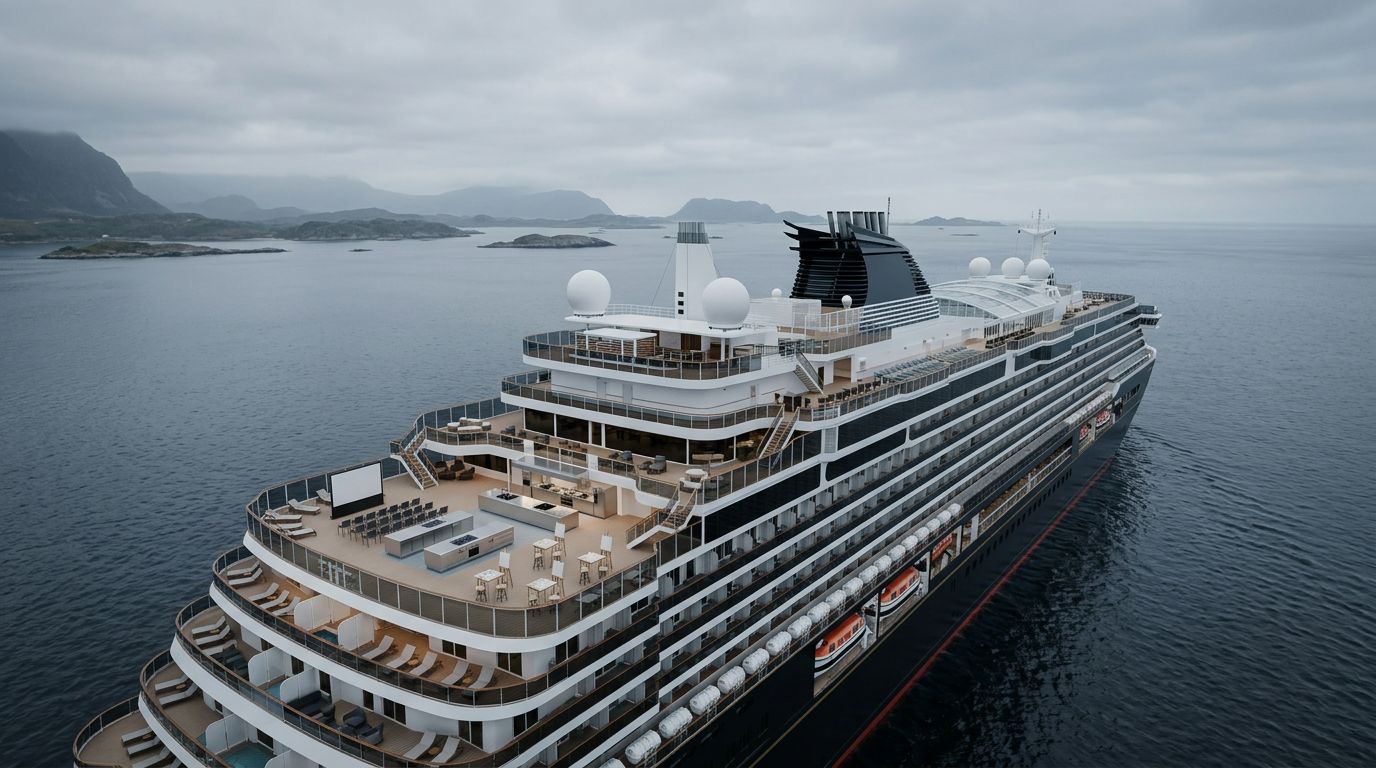
A long voyage offers clear advantages. You unpack once, settle into a comfortable routine, and work during sea days instead of losing time to airports, hotels, and daily transportation. Quiet lounges, libraries, and private balconies may also provide pleasant work settings.
However, the ship isn't a floating office with guaranteed broadband. Your laptop connects to the ship's onboard network, which sends traffic through satellite systems. Weather, location, satellite capacity, and passenger demand can affect performance.
Work that usually fits well
Email, messaging, web research, cloud documents, and other asynchronous tasks are generally the easiest activities to manage. Downloading files before a sea day gives you a second layer of protection if the connection becomes slow.
Writing reports, reviewing documents, planning projects, and answering routine messages can work well when you don't need an immediate response. A basic package may support these tasks, depending on the cruise line and sailing.
Work that needs caution
Video meetings through Zoom or Teams are less predictable. A premium package may support video calls, but the call can still freeze during a busy sea day. Large uploads, software updates, cloud backups, and frequent media transfers can also consume bandwidth quickly.
If your employer expects you to remain continuously available, confirm that requirement before booking. Remote work at sea works best when your responsibilities include reasonable flexibility.
Compare internet packages before booking
Cruise lines use different names, allowances, and device rules. Compare the activities each plan permits rather than relying on labels such as basic, premium, or streaming.
Cunard, for example, offers Essential and Premium options. Essential is generally aimed at email, browsing, and messaging, while Premium adds features such as streaming and video conferencing. Cunard also states that a multi-device plan permits only one device to connect at a time.
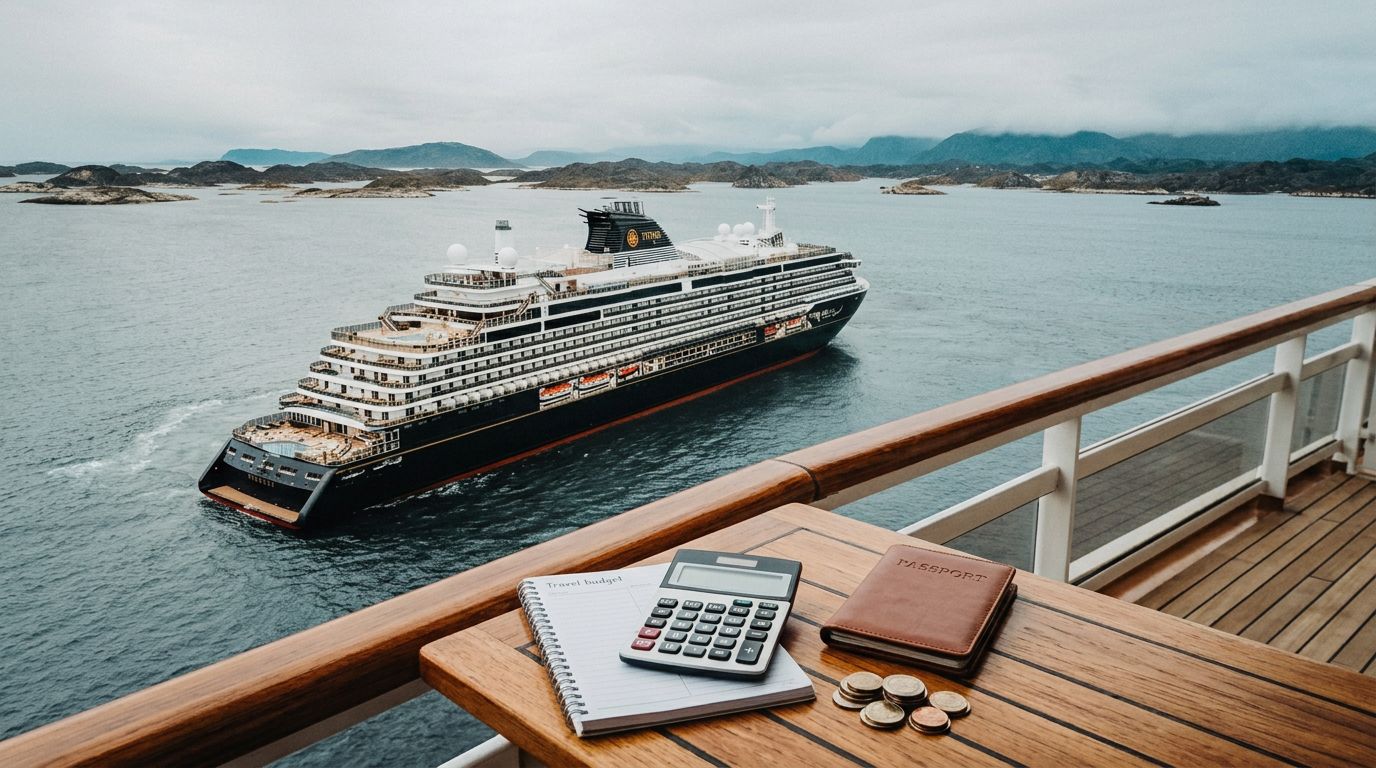
Published 2026 references list conflicting Cunard prices, including Essential combinations around $18 to $22 for full-voyage access and $24 to $28 for a day pass. Premium figures also vary, with reported combinations around $24 to $30 for full-voyage access and $36 to $44 for a day pass. Check the booking portal for your exact voyage rather than relying on a general price.
Seabourn's reported Stream package costs $19.95 per day and supports up to four devices per guest. It is described as supporting video streaming, internet calling, VPN access, and cloud storage. Features and prices can change, so verify the current terms before departure.
A premium plan improves your odds, but it doesn't turn satellite service into home broadband. Ask whether the fare includes Wi-Fi, how many devices can connect, and whether video calls are permitted.
Manage time zones, calls, and security
A world cruise can cross many time zones. Your ship's official time may differ from your home office, clients, and colleagues, so a meeting that looks convenient on your calendar may occur very early or late onboard.
Create a call schedule
Reserve important calls for periods when you have extra time before and after the meeting. Avoid scheduling a presentation immediately before a port arrival, excursion, or deadline. Share your itinerary and working hours with colleagues so they understand when you may be unavailable.
For routine communication, set a predictable rhythm. You might check messages twice daily and reserve specific sea-day blocks for focused work. This approach also protects your vacation from constant notifications.
Protect company and personal data
Treat cruise Wi-Fi as a shared public network. Use a company-approved VPN if your employer requires one, but test it before sailing because some VPN connections may run slowly or fail on ship networks.
Install updates before departure, use strong passwords, enable multi-factor authentication through an authenticator app, and turn off automatic network joining. Confirm that your employer permits logins from foreign countries and maritime satellite networks. Some security systems may flag repeated logins from changing locations.
Ship Wi-Fi and cellular roaming are separate services. Keep airplane mode and data roaming off during sea days to avoid unexpected maritime charges. In port, check that your phone has connected to a land-based carrier before using mobile data.
Build a backup-friendly work plan
Remote work on a world cruise becomes easier when you assume that some connections will fail. Prepare offline copies of essential documents, travel records, meeting notes, and files you need regularly. Pause automatic photo backups and large cloud synchronizations when bandwidth matters.
Use shore days as a supplement
Port calls can provide access to land-based cellular networks, local eSIM service, or a reliable cafe connection. Still, a port day isn't a dependable substitute for ship Wi-Fi. You may have limited time ashore, weak coverage near the terminal, or an excursion that leaves no room for work.
Use shore connectivity for large uploads, software updates, and urgent tasks when practical. Download maps, confirmations, and other essentials before leaving the ship.
Get approval before you sail
Tell your employer how long you'll be abroad and identify the countries on your itinerary. Ask about data security, VPN access, international tax concerns, work authorization, and emergency contact procedures.
A written approval is better than an informal conversation. If your job requires a stable connection for every workday, consider taking leave during the voyage or working only during selected segments.
FAQ about working on a world cruise
Can I work from my cruise cabin?
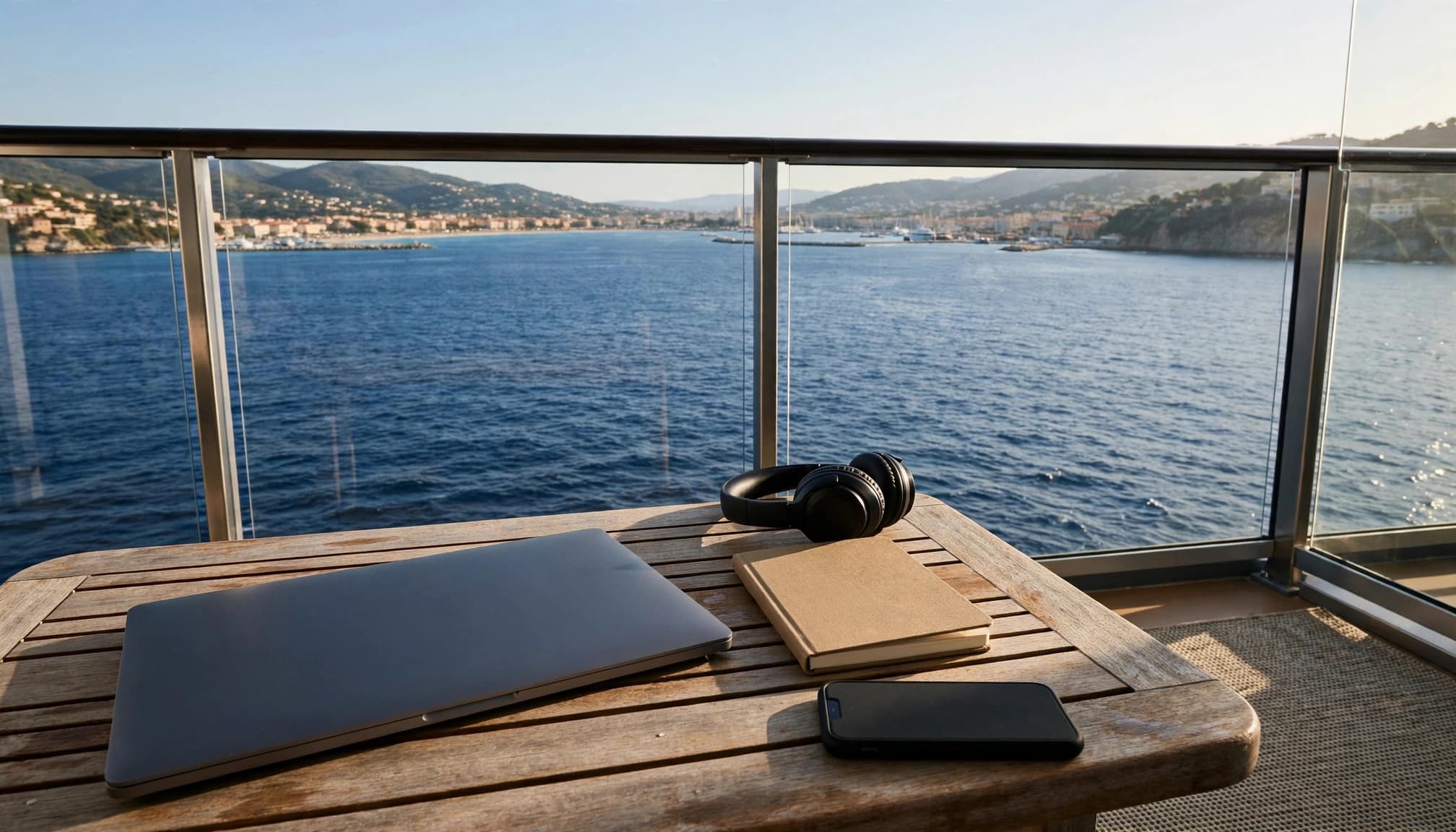
Yes, but cabin comfort varies. A balcony cabin may offer useful daylight and fresh air, while a desk or quiet lounge may provide better ergonomics. Check the cabin layout before booking if you need several focused hours each day.
Is cruise Wi-Fi reliable enough for video meetings?
Sometimes, but no package guarantees office-quality service on every sea day. Premium access gives you a better chance, yet congestion and satellite conditions can interrupt calls. Keep meetings limited and maintain a backup communication plan.
Can I use my regular phone plan at sea?
Don't assume an international plan covers maritime roaming. The ship's cellular network can trigger separate charges. Keep cellular data off onboard, then confirm a land-based network before using mobile service in port.
Conclusion
A world cruise can support remote work when your job allows flexibility, offline preparation, and occasional connectivity problems. Email, documents, messaging, and planned calls are more realistic than constant video conferencing or heavy file transfers.
Compare the exact internet package, test your security tools, coordinate time zones, and obtain employer approval before sailing. With a practical backup plan, world cruise remote work can fit comfortably into a long voyage without allowing work to take over the journey.
Recent Posts